

You know that little message from your mobile provider that says your data is running low? Most of us ignore it, but then suddenly, we’re out of internet for the rest of the month. That’s when the question hits: “Wat is datagebruik?” It’s not just a techy word; it’s a part of daily life for anyone who uses a smartphone or laptop.
Data usage affects how we browse, stream, call, and even shop online. If you’ve ever wondered why your bill went up or why your videos suddenly buffer, understanding datagebruik is the key. Let’s break it down in a way that makes sense, without confusing tech terms.
Datagebruik: The Basics
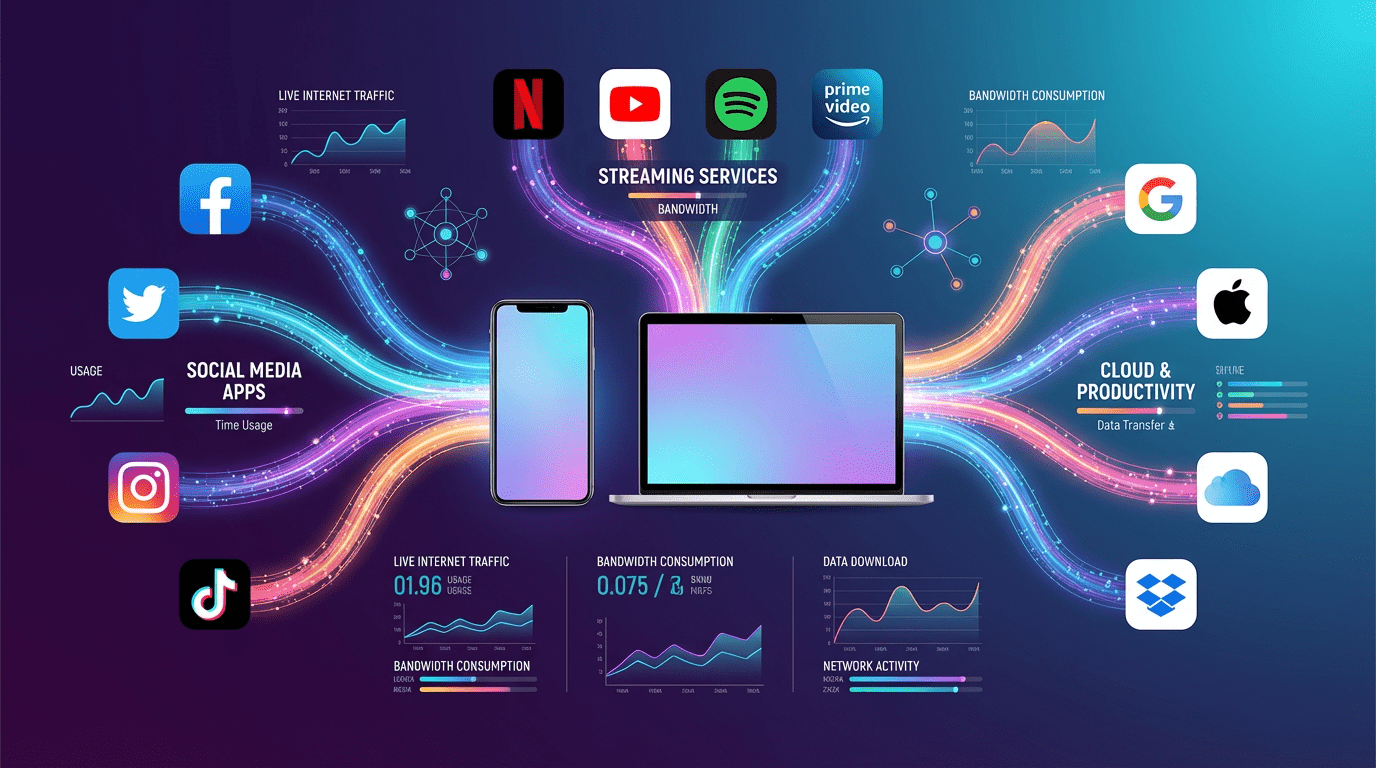
At its core, datagebruik means the amount of information you send and receive online. Every tap, click, or swipe uses data. When you open Instagram, scroll through TikTok, watch a Netflix movie, or even send an email, you are using data.
Think of it like water in pipes. Every time you turn on a faucet, water flows. In the digital world, every website, video, or app pulls from your “data pipeline.” And just like water, some apps use more than others.
Data is measured in megabytes (MB) or gigabytes (GB). For example:
- A typical monthly plan might give you 5 GB.
- Watching a 2-hour HD Netflix movie can use 1–3 GB.
- Browsing Instagram for half an hour? Around 100–150 MB.
It adds up fast, especially when you’re not keeping track.
How Data Usage is Measured
Your provider keeps an eye on your datagebruik automatically. They track how much data goes to and from your device, usually in real-time. But you can also check it yourself.
On Your Phone
Both iPhones and Android devices let you see how much data each app uses. This can be surprising—you might discover apps you never open use the most data.
Through Your Provider
Most mobile networks have apps or online dashboards to track usage. Some even send alerts when you’re nearing your limit.
Through Your Router
At home, many routers let you track usage per device. If you have multiple phones, laptops, smart TVs, or gaming consoles, this is super handy.
A quick tip: if your data usage feels higher than expected, check for apps running in the background. Cloud backups, automatic updates, or social media apps refreshing constantly can be silent data hogs.
Real-Life Data Usage Examples
Numbers are fine, but examples help you really understand datagebruik:
- Emails: A normal email is tiny, just 10 KB. Attach a file, and suddenly you’re in MB territory.
- Social Media: Half an hour scrolling Instagram can be 100–150 MB, more if videos autoplay.
- Streaming Video: One hour of HD video on YouTube or Netflix can eat 1–3 GB. 4K? Even more.
- Music Streaming: Spotify or Apple Music uses about 40 MB per hour.
- Video Calls: Zoom or FaceTime averages 500 MB per hour.
It’s easy to underestimate, especially with apps running quietly in the background.
Why Datagebruik Matters
Knowing your datagebruik isn’t just about avoiding surprise bills. It also helps you manage your internet experience.
- Avoid Extra Costs: Going over your data limit can cost extra. Some providers charge per MB or GB, which adds up.
- Maintain Speed: Many plans slow down your connection if you exceed your limit. Nobody wants a buffering Netflix show.
- Digital Awareness: By tracking usage, you know which apps are data-heavy. This helps you make smarter choices online.
In short, datagebruik gives you a meter for your digital life.
Tips for Managing Datagebruik
The good news is, you can take control. Here’s how:
1. Use Wi-Fi Whenever Possible
At home, work, or cafes, connecting to Wi-Fi saves your mobile data. Just be careful—some apps update automatically over Wi-Fi.
2. Limit Automatic Updates
Apps like Facebook, WhatsApp, and cloud backups can use data silently. Set updates to only happen on Wi-Fi.
3. Reduce Video Quality
Streaming services like YouTube and Netflix let you pick video quality. Lower quality saves huge amounts of data. SD instead of HD can reduce usage by up to 70%.
4. Monitor Heavy Apps
Check which apps use the most data. If a single app consumes too much, limit your usage or change settings.
5. Enable Data Saver Features
Many apps and browsers have data-saving modes. Chrome’s Lite Mode, for example, compresses websites to save data.
6. Schedule Backups
Cloud backups are convenient, but they can be data-heavy. Schedule them for Wi-Fi only, not mobile data.
Background Data Usage: The Hidden Culprit
Sometimes you use tons of data without realizing it. Background apps are usually the culprit:
- Cloud apps backing up photos automatically.
- Social media refreshing feeds even when you’re not scrolling.
- Messaging apps downloading media automatically.
Managing background data can save hundreds of MBs per month.
Privacy and Datagebruik
Datagebruik can also reveal your online behavior. Providers can see which apps you use, how often, and sometimes what content you consume.
This isn’t necessarily bad, but it’s good to be aware of your digital footprint. Limiting background activity and checking app permissions can improve privacy while saving data.
For more information, check:
🔗 What Is Data Usage?
A clear explanation of what internet data usage is and how every online activity (like streaming or browsing) counts toward it. WhistleOut
🔗 What Is Mobile Data & How Does It Work?
A beginner‑friendly guide on how mobile data works, what uses data on your phone, and how it’s measured. TechTarget
Monitoring Data at Home
Home networks can consume data quickly with multiple devices: phones, tablets, laptops, smart TVs, consoles.
Routers often show device-by-device usage, helping you:
- Identify high-usage devices
- Prevent unexpected spikes
- Manage bandwidth effectively
Families can benefit a lot from tracking usage this way.
How Activities Affect Data Usage
Different online activities consume data differently. Here’s a simple table:
| Activity | Data Used | Notes |
|---|---|---|
| Email (plain) | 10 KB | Very small |
| Email with attachment | 10–50 MB | Depends on file |
| Social Media | 100–150 MB per 30 mins | Video-heavy feeds use more |
| Music | 40 MB/hour | Standard quality |
| HD Video | 1–3 GB/hour | 4K even higher |
| Video Calls | ~500 MB/hour | Higher with high resolution |
| Online Gaming | 40–150 MB/hour | Varies by game |
Even casual browsing or messaging can add up over a month.
Financial Side of Datagebruik
Data overages can be expensive. Exceeding your limit may cost extra per GB. Some “unlimited” plans slow your speed after certain usage thresholds—so you pay the same, but with slower internet.
Monitoring usage helps prevent unexpected charges and keeps your online experience smooth.
Datagebruik While Traveling
Travelers need to be careful. Using mobile data abroad can lead to high roaming charges. Tips:
- Turn off mobile data when abroad.
- Use local SIM cards or international plans.
- Connect to Wi-Fi whenever possible.
- Download maps, videos, and music offline before travel.
A single hour of roaming data can cost hundreds if you’re not careful.
Apps That Help Track Datagebruik
Several apps help monitor and manage data:
- My Data Manager: Tracks usage and sends alerts.
- Data Usage Monitor: Shows heavy apps and real-time usage.
- Provider Apps: Most carriers offer apps to track your usage.
Perfect for families, travelers, or anyone with limited data plans.
Summary: Take Control of Your Data
Understanding what datagebruik is gives you control over your internet life. Monitoring usage saves money, improves online experience, and helps maintain privacy.
Simple actions like using Wi-Fi, limiting background apps, reducing video quality, and tracking heavy apps make a huge difference. Being aware of your usage lets you plan your online activities efficiently, whether at home, work, or abroad.
Frequently Asked Questions
Q: Wat is datagebruik?
It’s the amount of data sent and received online.
Q: How do I monitor it?
Check your phone, provider’s app, or router.
Q: Why is my data usage so high?
Background apps, updates, and cloud backups silently consume data.
Q: Can managing data save money?
Yes. Avoiding overages keeps bills predictable and prevents throttling.
Q: Does Wi-Fi usage count toward my mobile data?
No, Wi-Fi doesn’t use mobile data and is the easiest way to save your plan.
